

Doublegram Security exists to protect Telegram groups, and protection starts at the door: the verification page every new member opens before writing. We rebuilt it from scratch.
The new page is faster and better looking, and admins can now choose its colors and its language. It is already live in every group that uses Security, with nothing to set up.
Faster, better looking, no puzzles
The page now shows the group people are joining: its photo, its name, its description and its emoji status. It is cleaner than before, and much faster.
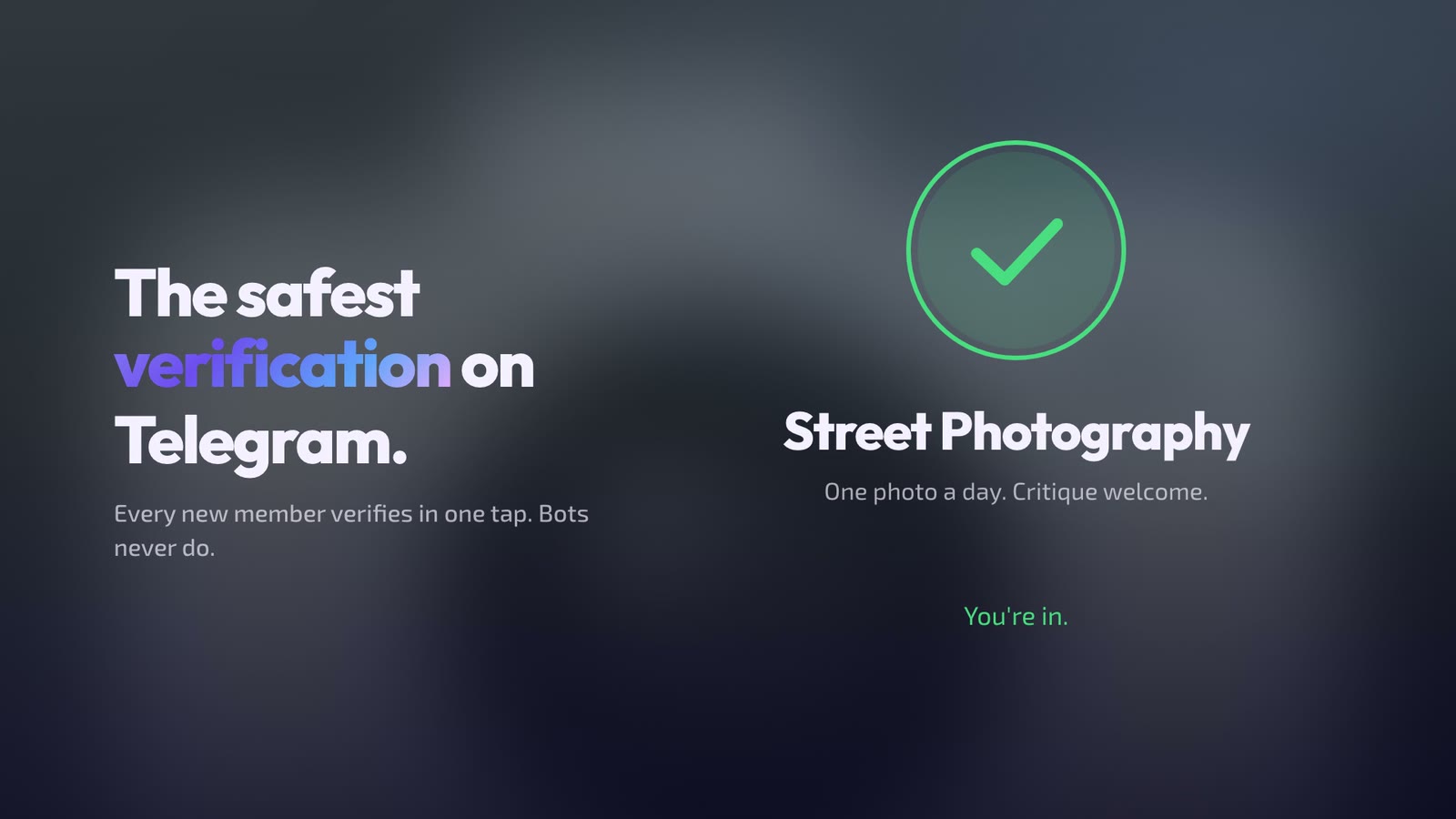
We do not rely on classic captcha puzzles anymore: AI can solve them. To tell a real person from a fake account, Security runs advanced checks that combine Cloudflare, reCAPTCHA, the tools Telegram gives to mini apps, our internal systems and AI. This is how it assesses the risk of each account, and only the accounts that need it get an anti-bot check.
Most real people never see it: they are verified and can write in the group in under two seconds.
Choose how it looks
Admins choose the look of the page in /settings → Member entry → 🎨 Verification look:
- Doublegram: Doublegram colors on a dark background, for every group;
- Group colors: the page uses the group photo and its color, so it looks like the group. Available with Premium.
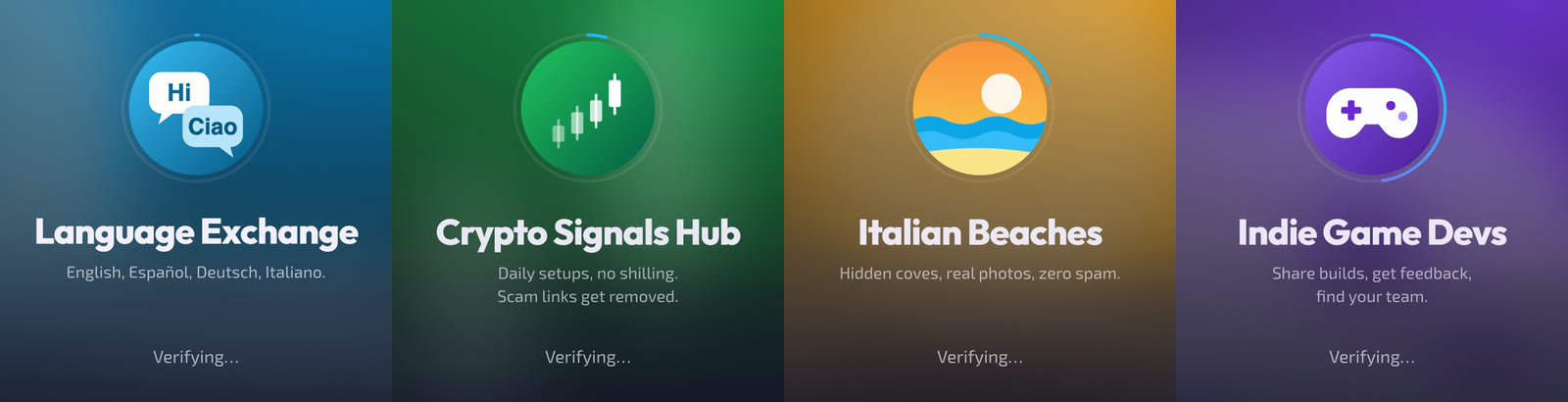
If a group with Group colors stops having Premium, its page goes back to the Doublegram look.
The group's language, or each person's
In the same screen, admins choose which language the page speaks:
- Group language: the same language as the bot's messages in the group;
- Each person's language: everyone reads the page in the language of their own Telegram.
The page is available in English, Italian, Spanish, French and German. If the group is still in English and the admin uses Telegram in one of the other four languages, Security offers a button to switch the group to it, bot messages included. The language choice is available to every group.
Free and Premium
The new page is free for every group. What changes is what people see after the check:
- Free: the page shows Protected by Doublegram, with a button to enter the group and one to protect your own group with Security;
- Premium: no Doublegram screen. People go straight into the group, and the page can use the group's colors.
It also works in groups that approve join requests: the person verifies in a private chat with the bot, the request is approved, and the button takes them into the group.
Built for security, compatible with Rose and GroupHelp
Many groups already use Rose or GroupHelp, and they can keep using them. Security adds its protection on top of the bot you already have.
Turn on compatibility mode and Security leaves moderation commands like /ban and /mute to your other bot. Your admins keep the commands they know, and nobody gets punished twice.
Next to your moderation bot, Security gives the group what that bot alone does not:
- It knows where people connect from. Telegram never tells a bot where its users connect from, so a bot that verifies people inside the chat cannot know it. Security verifies on its own page, so it can filter whole countries and, during a raid, stop accounts coming from the same connection.
- It tells you what is happening during a raid. Rather than banning everyone who joins for a while, Security tells admins why it raised the alarm and how many accounts and messages are involved, then lets them choose what to do with one tap. It can also contain the raid on its own.
- It shares trust across groups. People already verified in other groups protected by Doublegram can write right away. New accounts with no history are checked as usual.
- Its verification looks like your group, in your colors and in each member's language.
Everything else Doublegram Security does
The verification is only the first step. Once people are in, Security keeps protecting the group.
Antiraid
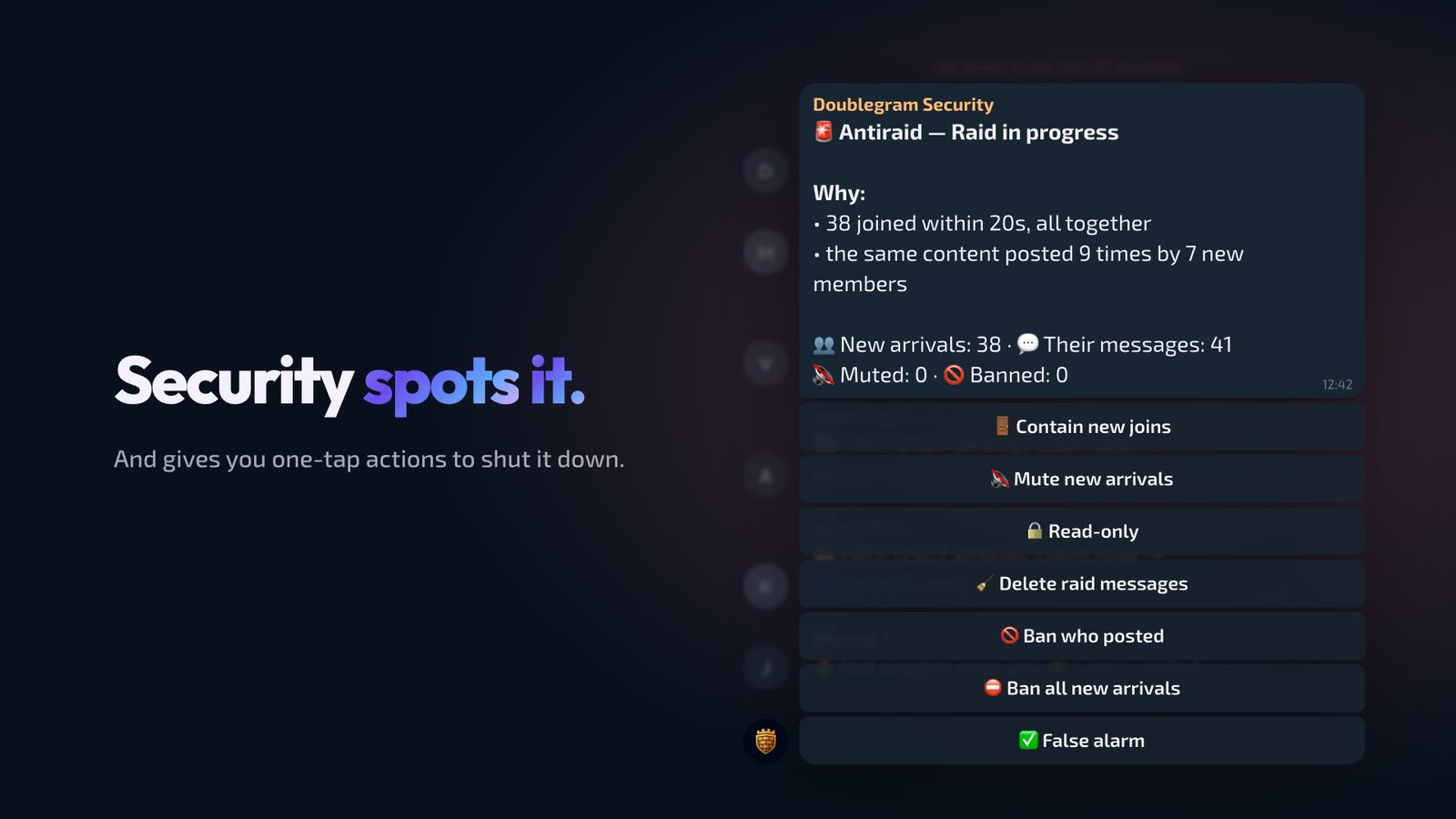
When dozens of accounts join together and flood the chat, Security spots the raid and sends admins an alert that explains why, with one-tap actions: close new joins, mute the new arrivals, switch the chat to read-only, delete the raid messages, ban who posted. Actions that cannot be undone always ask for confirmation. Groups that prefer not to wait can let Security contain the raid on its own.
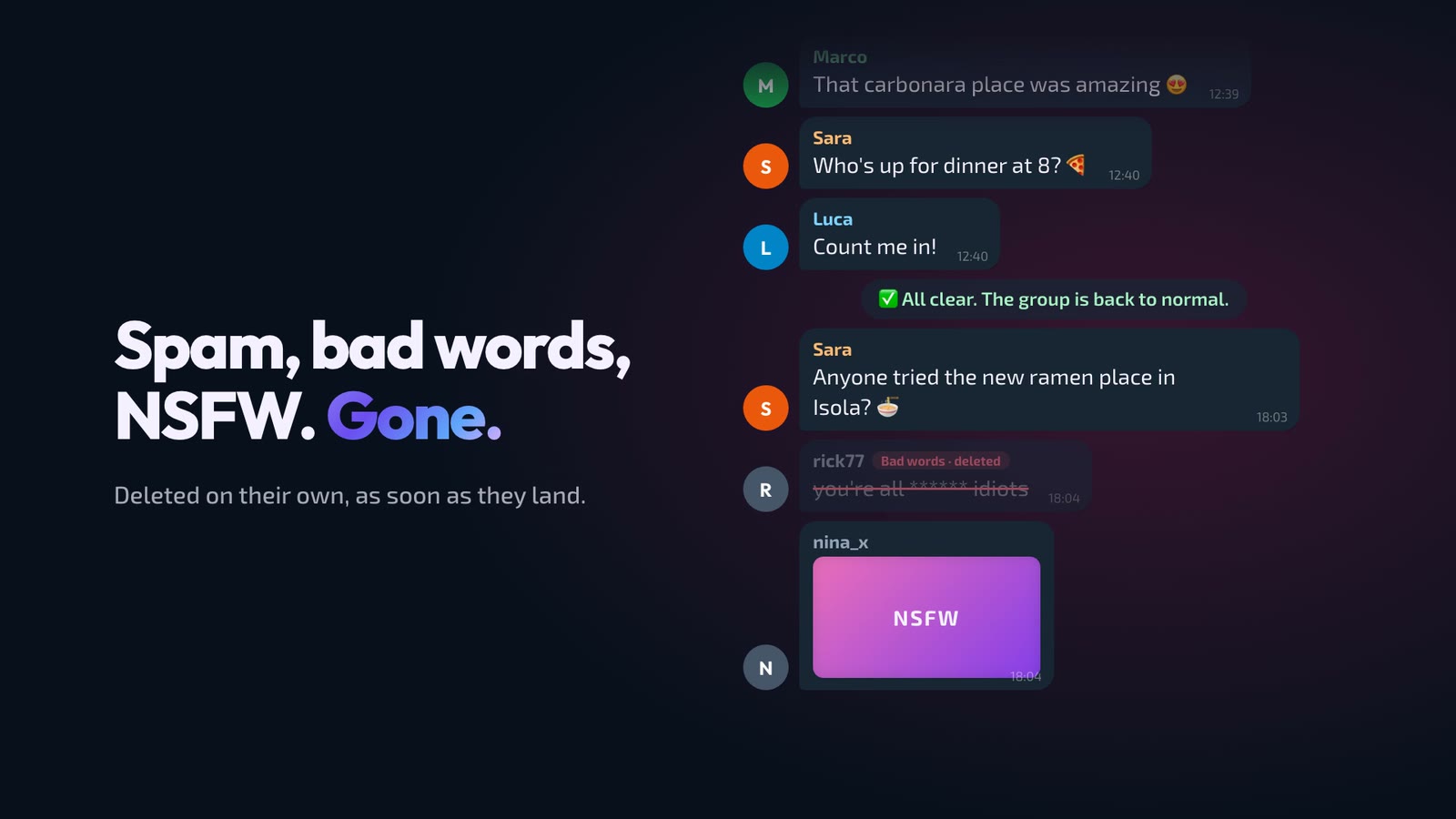
Spam, banned words and explicit images
Antispam blocks invites, links, posts forwarded from channels, quotes from other chats and messages with buttons. Banned words removes the words and phrases you choose, Explicit images checks photos and static stickers, and Antiflood slows down whoever hammers the chat. Edited messages are checked again with the same rules.
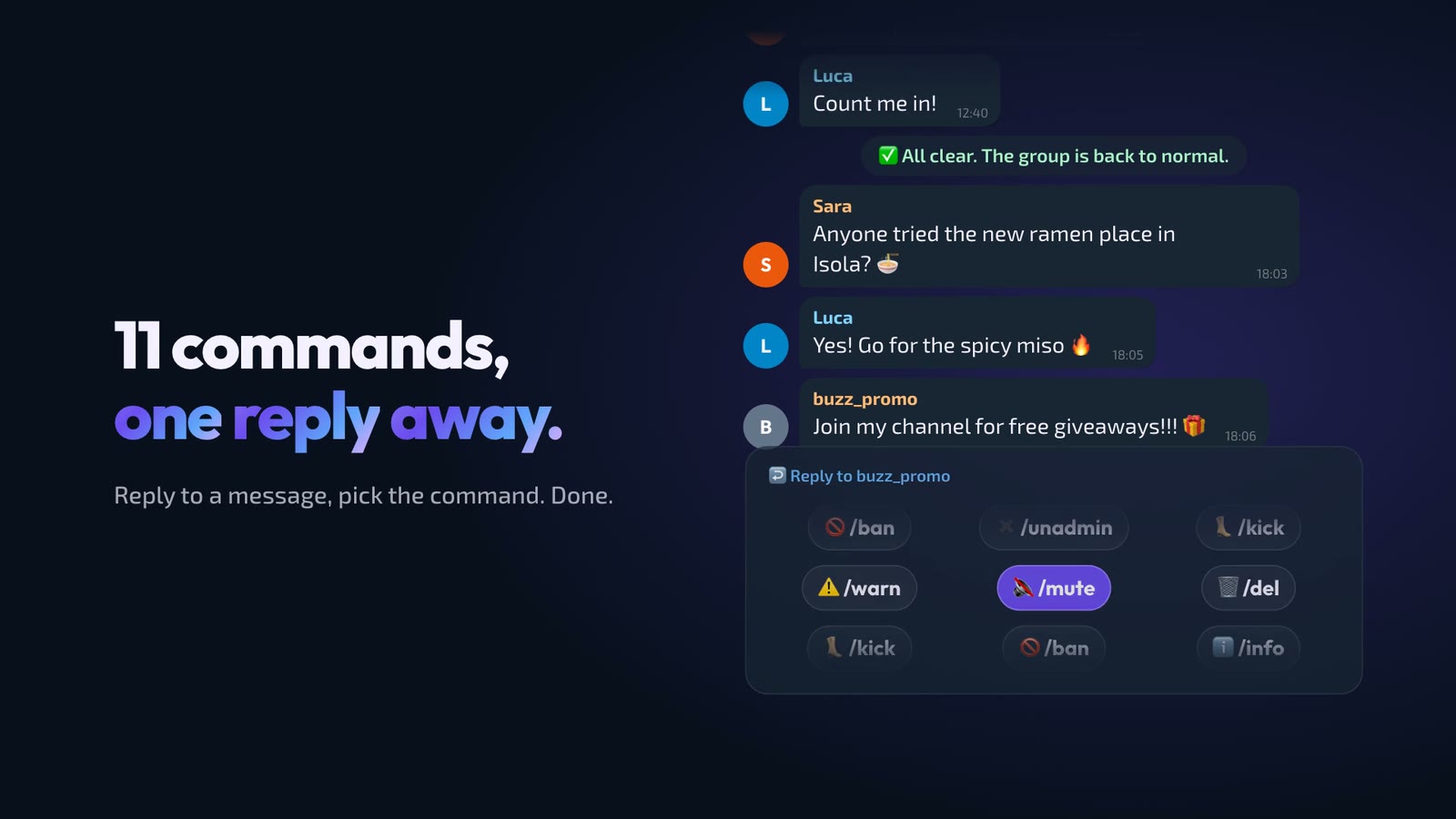
11 moderation commands
Reply to a message, or write the person's @username, and pick the command: /ban, /unban, /mute, /unmute, /kick, /warn, /unwarn, /info, /del, /admin and /unadmin. Groups can also be tied together in a community of up to 5 chats, where a ban given in one applies to all the others.
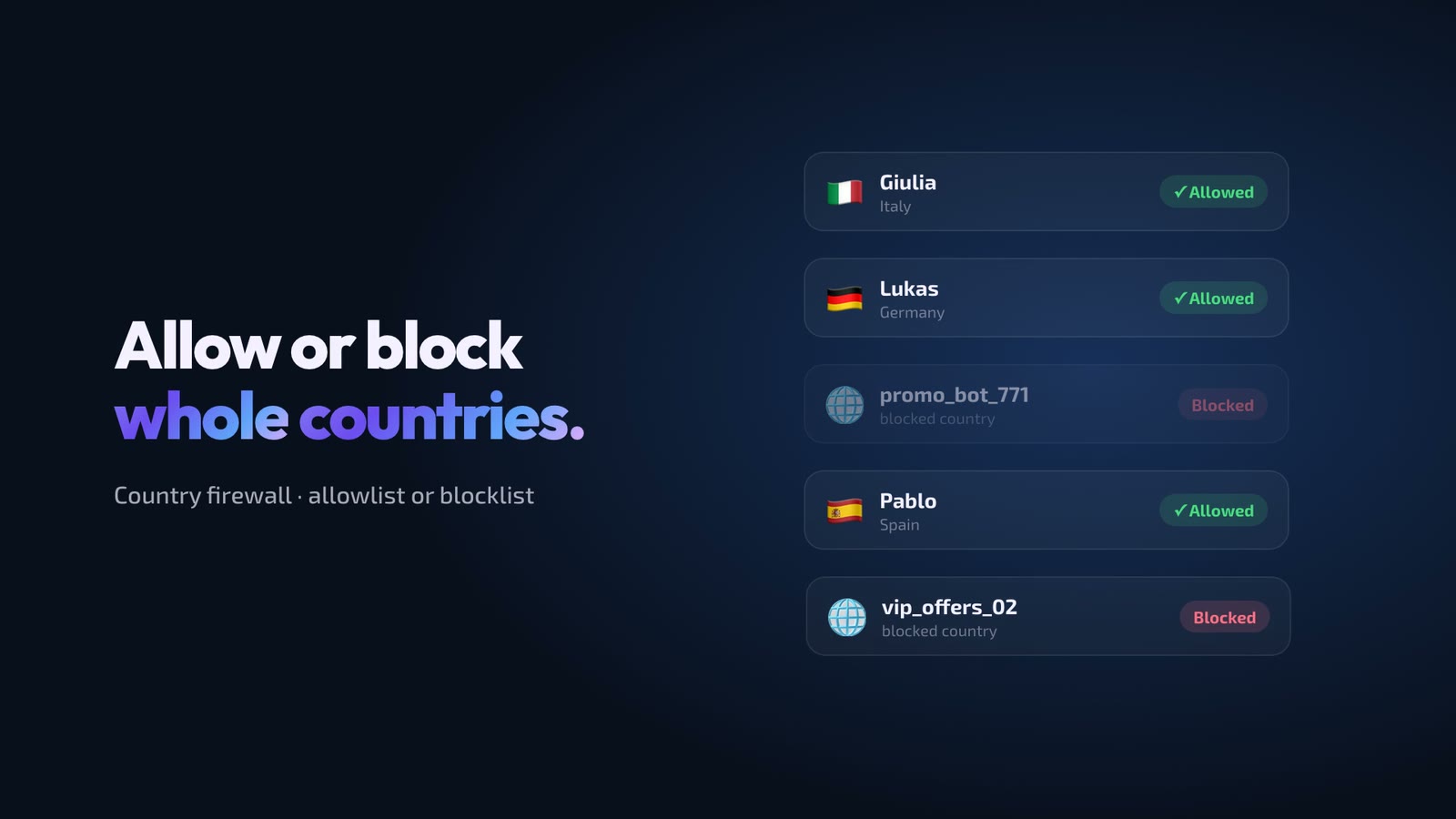
Country firewall
Choose who gets in by the country they connect from, with a blocklist or an allowlist. We covered it in detail when we launched it: Telegram Captcha for groups security now with Geo-Blocking firewall.
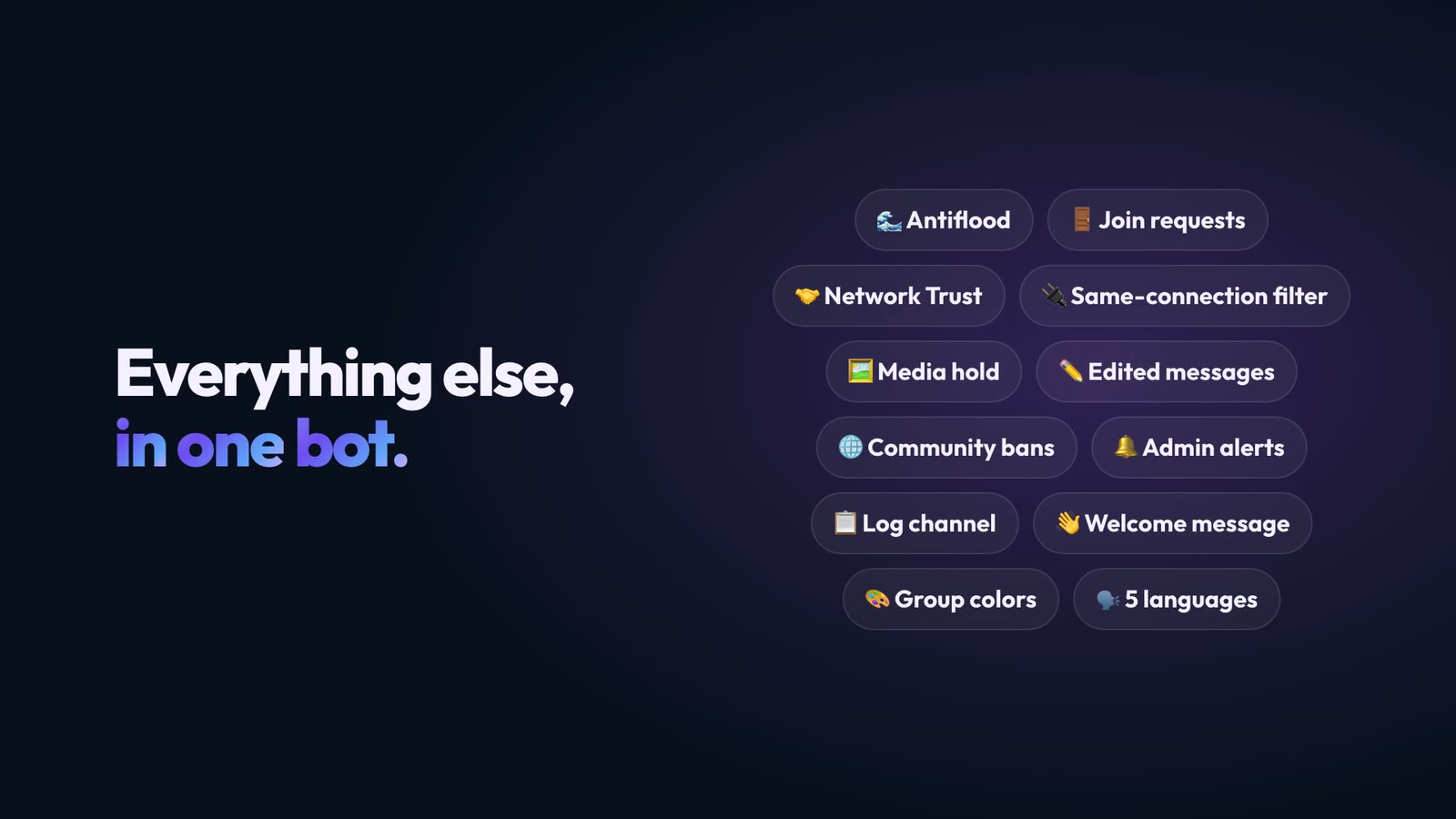
And much more
- Network Trust: who recently passed verification in other groups protected by Doublegram writes right away;
- Media hold: new members send photos, videos and files only after their first messages;
- Same connection: during a raid, accounts arriving from the same connection are turned away;
- Admin alerts and a log channel where every alert is collected for the whole staff;
- Welcome message, cleanup of join messages and a first comment under the posts of the linked channel.
For the full story of how Doublegram Captcha became Doublegram Security, read our previous announcement.
How to start
Already using Security? The new page is already live in your group. To choose its look and language, send /settings in the group and open Member entry → 🎨 Verification look.
New to Security? Add @doublegram_captcha_bot to your group and make it an admin with the Ban users permission. From then on, whoever joins goes through the new verification before writing.
The verification, the new page and the language choice are free. Group colors, direct entry after the check, antiraid, antiflood, antispam, banned words, explicit images, the country firewall, moderation commands with compatibility mode, community and alerts are part of Doublegram Premium: subscribe, then send /upgrade in the group.
Doublegram Security is available in English, Italian, Spanish, French and German, both in the bot and on the verification page.
Want to hear about the next updates first? Follow Doublegram News on Telegram.