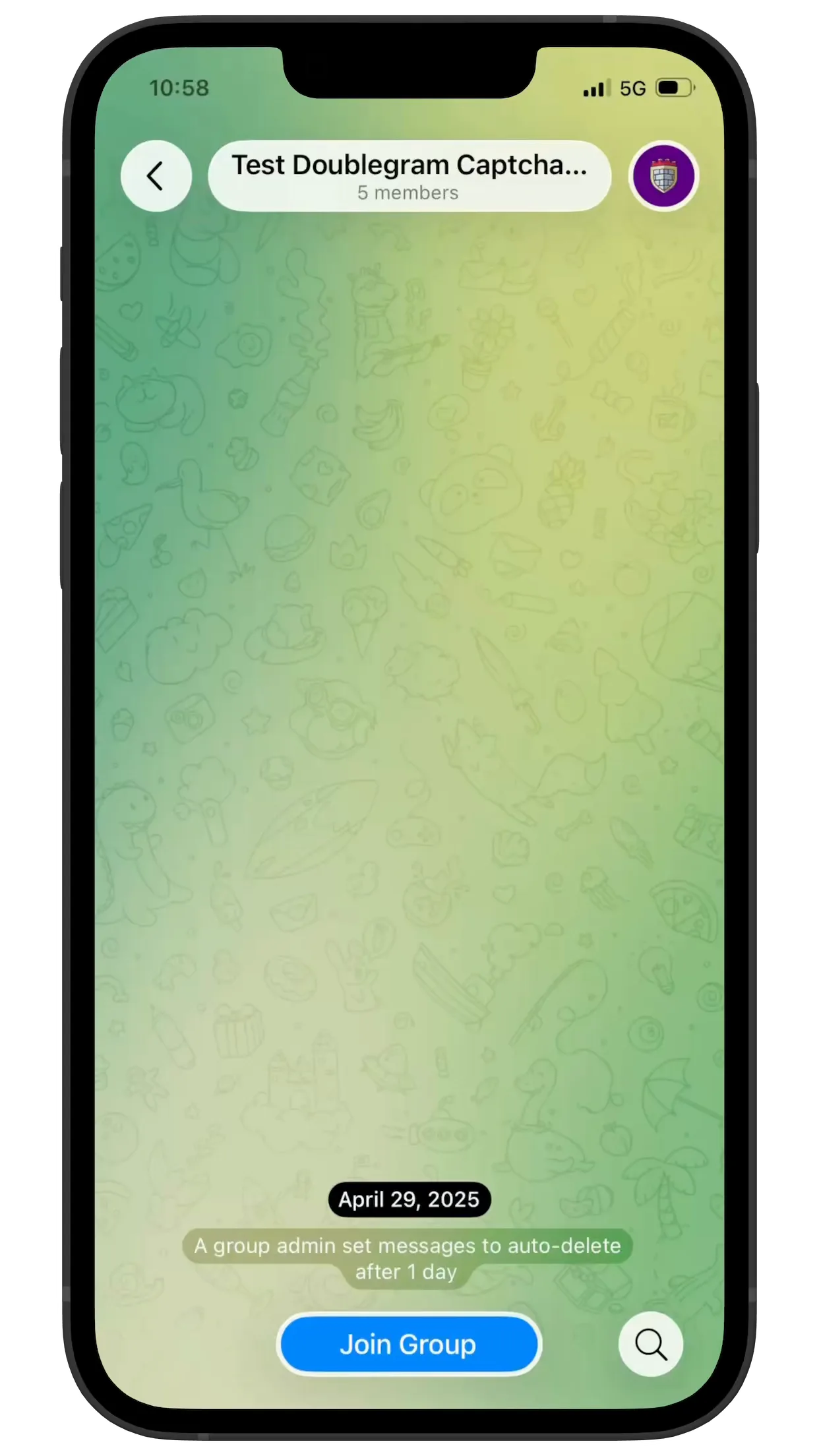
Rotate your device to portrait to view the screenshots
Security
Doublegram Security
Stop bot raids and spam joins in one tap. Protect your Telegram groups with human verification: setup in under 60 seconds, no friction for real members.
Layered protection that works invisibly while your real community keeps chatting.
Instant Protection
Add the bot to your group, grant Restrict Members permission, and every new joiner is automatically muted until they verify. No commands to run, no settings to configure — protection starts the moment the bot has admin rights.
Instant Protection
Add the bot to your group, grant Restrict Members permission, and every new joiner is automatically muted until they verify. No commands to run, no settings to configure — protection starts the moment the bot has admin rights.
Frictionless Verification
New members tap a single Verify button that opens a Mini App. Low-risk users pass with invisible reCAPTCHA — no puzzles, no images to click. Only suspicious profiles get a visible "I'm not a robot" challenge, based on a risk score that checks username, photo and past verifications.
Advanced Bot Elimination
Three layers of defense: geographic firewall blocks entire countries before the captcha even loads, adaptive reCAPTCHA adjusts difficulty based on the joiner's profile, and a configurable timeout auto-kicks anyone who doesn't verify in time. Users already verified in other Captcha groups can skip the check entirely with cross-group trust.
Community Insights
Track verifications, failures and pending members over 24 hours, 7 days and 30 days with /stats right in the group. See completion rates, average verification time and top blocked countries. The Admin HQ dashboard aggregates data across all your groups in one view with a live verification history log.
Zero Configuration
Works out of the box with sensible defaults: 5-minute timeout, silent mode off, cross-group trust on. When you want control, /settings lets you tune timeout, language, silent mode and admin notifications. /firewall adds geographic blocking by country with ban or kick punishment — all without leaving the group chat.
Info & latest updates
Languages
Arabic, German, English +6 more
Platform
Telegram
Compatibility
Telegram Groups & Supergroups
FAQ
Frequently asked questions
How do I stop spam in a Telegram group?
Add Security to the group and make it an admin: the verification stops spam bots before they can write. With Premium, turn on anti-spam and choose what counts as advertising, like links, invites to other groups, posts forwarded from channels and messages with buttons. Add your banned words and block the alphabets your group doesn't use. Every message stopped reaches your admins as an alert, with the rule that caught it.
How do I add a captcha to my Telegram group?
Add Doublegram Security to the group and make it an admin with the Ban users permission. Whoever joins stays muted until they tap the button and pass a quick check, with no puzzles; whoever doesn't do it in time is removed. All it takes is a free Doublegram account: if you don't have one yet, Security asks you to sign in with Telegram.
How do I keep bots and fake accounts out of my group?
Keep the verification on: whoever joins has to prove they're a person before writing, and bots and automated accounts stay out. Then add what your group needs: the country firewall, media blocked for the first messages of whoever joins, names in alphabets you don't want stopped at the door, and during a raid, accounts arriving from the same connection turned away.
How do I add Security to my group?
Open @doublegram_captcha_bot in Telegram, tap Add to a group and pick the group: Security joins already as an admin. It needs the Ban users permission to work, and Delete messages to clean up. The group has to be a supergroup: if it isn't yet, Security tells you how to convert it in a few seconds.
How do I make someone an admin in a Telegram group?
In Telegram, from the group's settings, under Administrators. With Security, reply to one of their messages with /admin, or write /admin @username: they become admin with the default permissions you chose. It works if you and Security can both add new admins.
Can I use Security with Rose, Group Help or Combot?
Yes. Keep them for what you already use them for, and let Security take care of who joins and of the defenses. Turn on compatibility mode in Security's command settings: from then on it only answers commands written for it, like /ban@doublegram_captcha_bot, and a plain /ban stays with the other bot. That way nobody gets punished twice.
Can Security delete "joined the group" messages?
Yes. Security deletes Telegram's "joined the group" messages after the time you choose. Its own notices, like the one for a passed verification, can be shown only to the person concerned, deleted after a while, or both. It needs the Delete messages permission.
What happens during a raid on my Telegram group?
Security watches what new members do right after they join. If one floods the same thing over and over, or many start together, it steps in the way you chose: it alerts your admins and lets them decide, mutes the new arrivals, or goes all the way, closing the invite link, deleting their messages and banning. Admins get the incident as it happens, with buttons to contain it or undo everything.
Can I block people from certain countries?
Yes, with the country firewall: block the countries you choose, or let in only the ones you want. It goes by the country people connect from when they take the verification, so the verification has to be on. It's part of Premium.
Does Security work in channels?
Nobody joins a channel to write, so there's no door to watch. Security works in the group linked to your channel, where the comments are, and can post an automatic first comment under every post. A channel can also be part of a community: a ban given in one of your groups reaches it too.
How do I enable comments on my Telegram channel?
In the channel's settings, open Discussion and link a group: the comments under your posts live there. Add Security to that group and it moderates them like any other chat.
Is Doublegram Security free?
Join verification is free: all it takes is a free Doublegram account. Anti-spam, floods and raids, the filters, the country firewall, commands, alerts and the rest are part of Doublegram Premium, which also turns on Premium in the other Doublegram bots. Once you have it, send /upgrade in your group to turn it on there.
Your privacy, your choice
We use cookies to keep you signed in, understand how the site is used, and measure our marketing campaigns with Google Analytics. You decide what we can use.